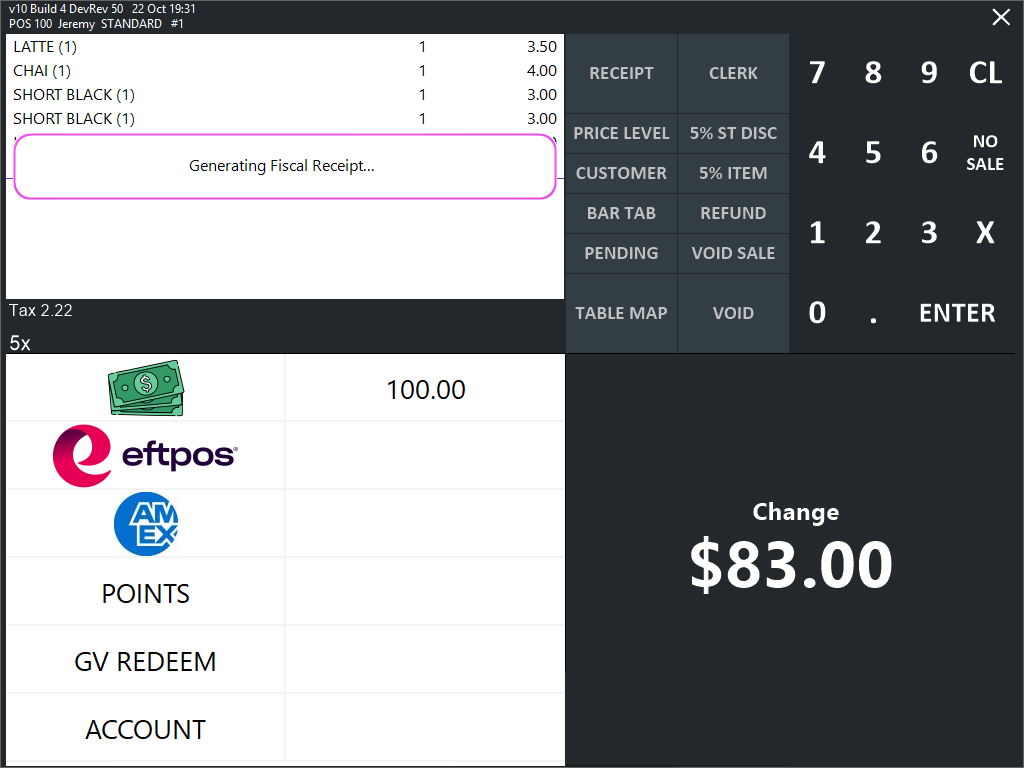
When a sale is completed at the POS, a Fiscal Receipt will be generated.
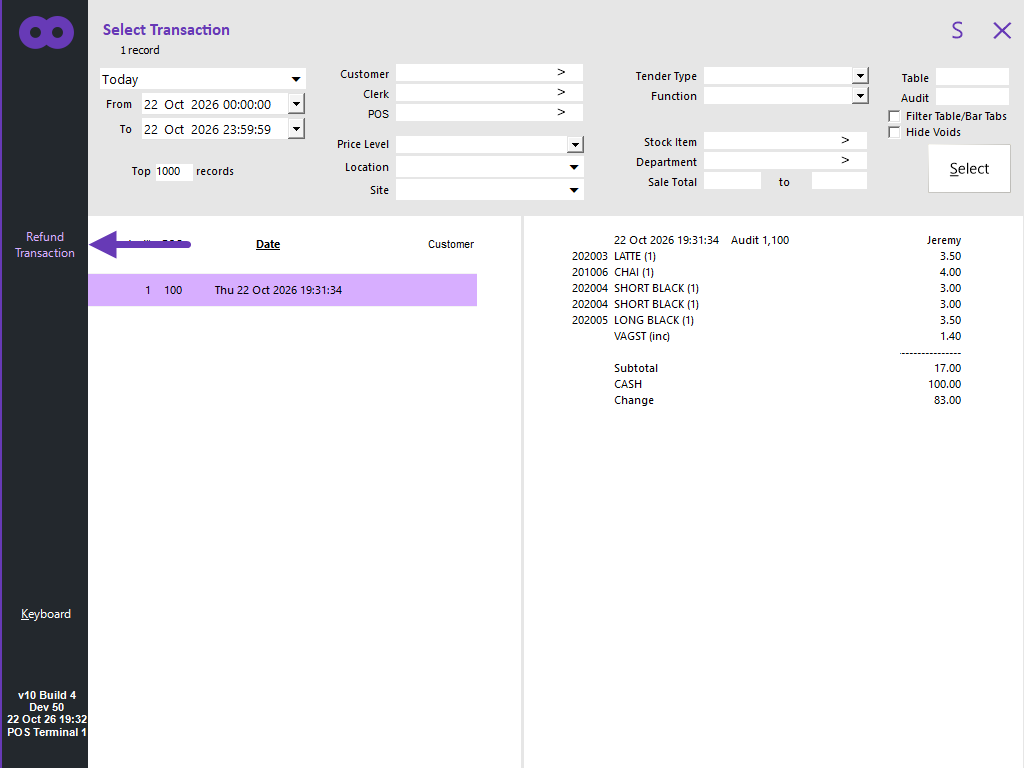
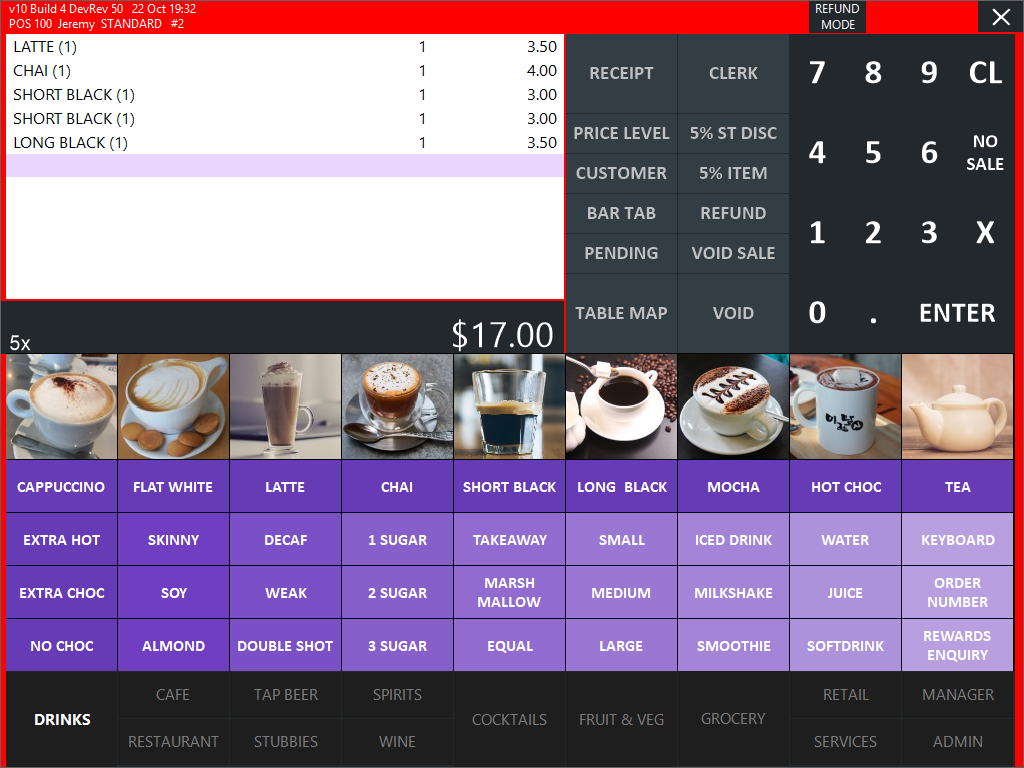
To refund a transaction or to refund items from a previous transaction, press the Refund button on the POS Screen and select a previous transaction > Press Refund Transaction.
If the Yes/No Option Automatically Print A4 Tax Invoice after each sale was enabled, an A4 Tax Invoice will be printed automatically.
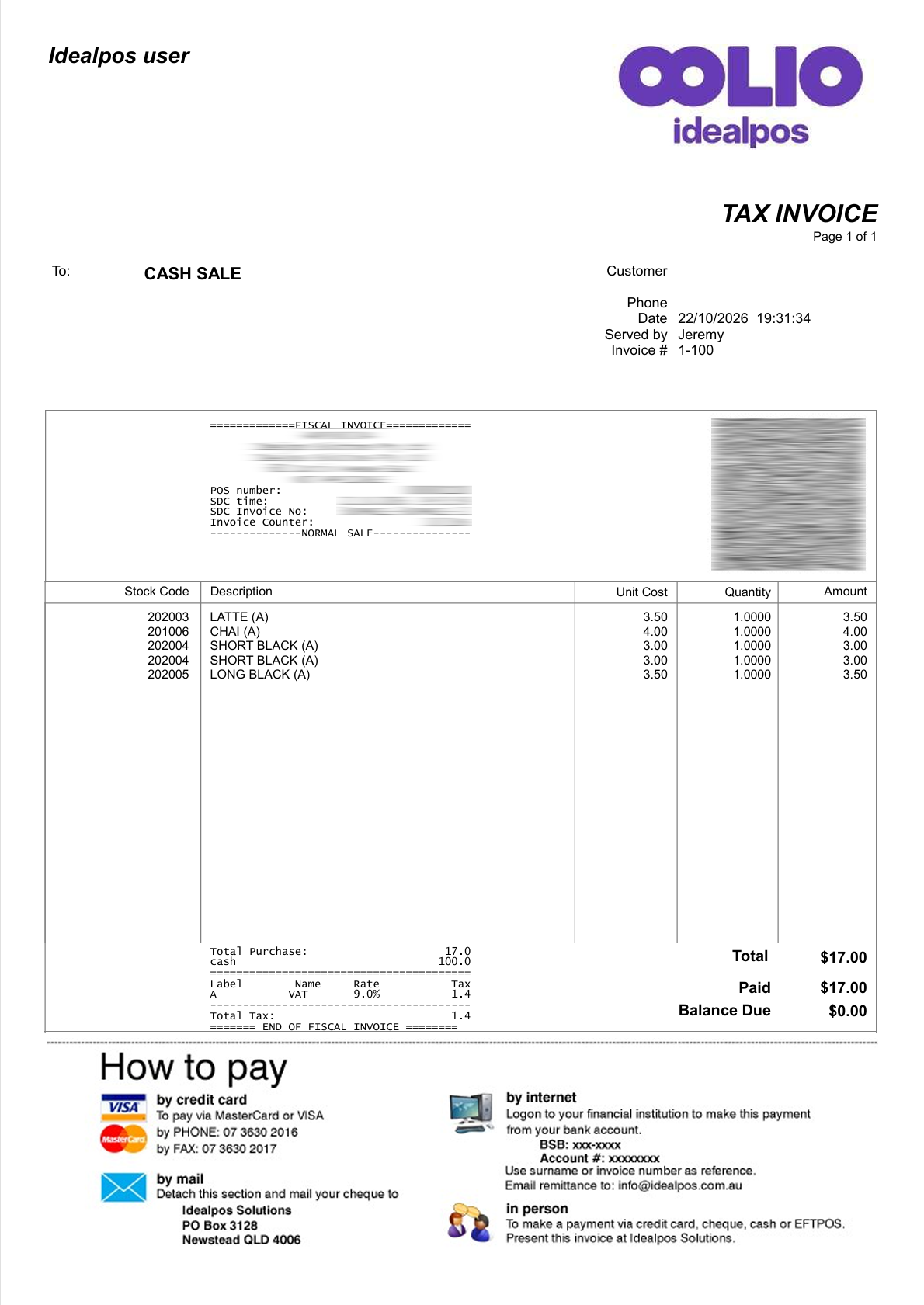
If a Tax Invoice button was created, an A4 Tax Invoice can be printed manually by pressing the button.
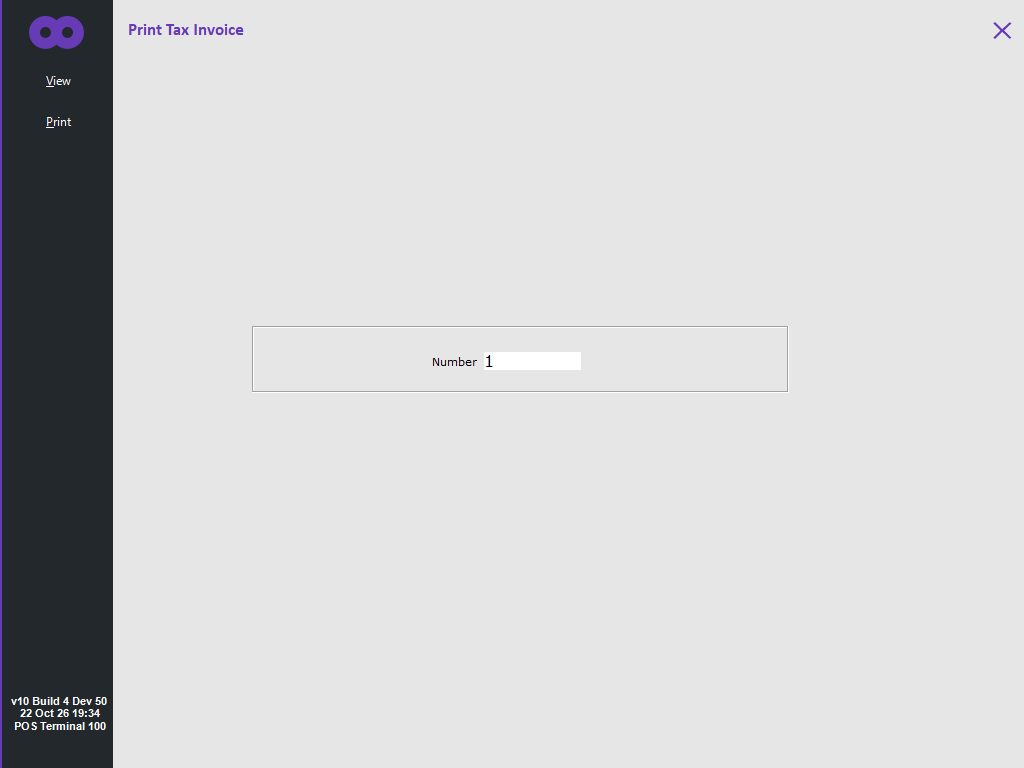
After pressing the button, a Print Tax Invoice screen will be displayed.
Press "Print" or "View".
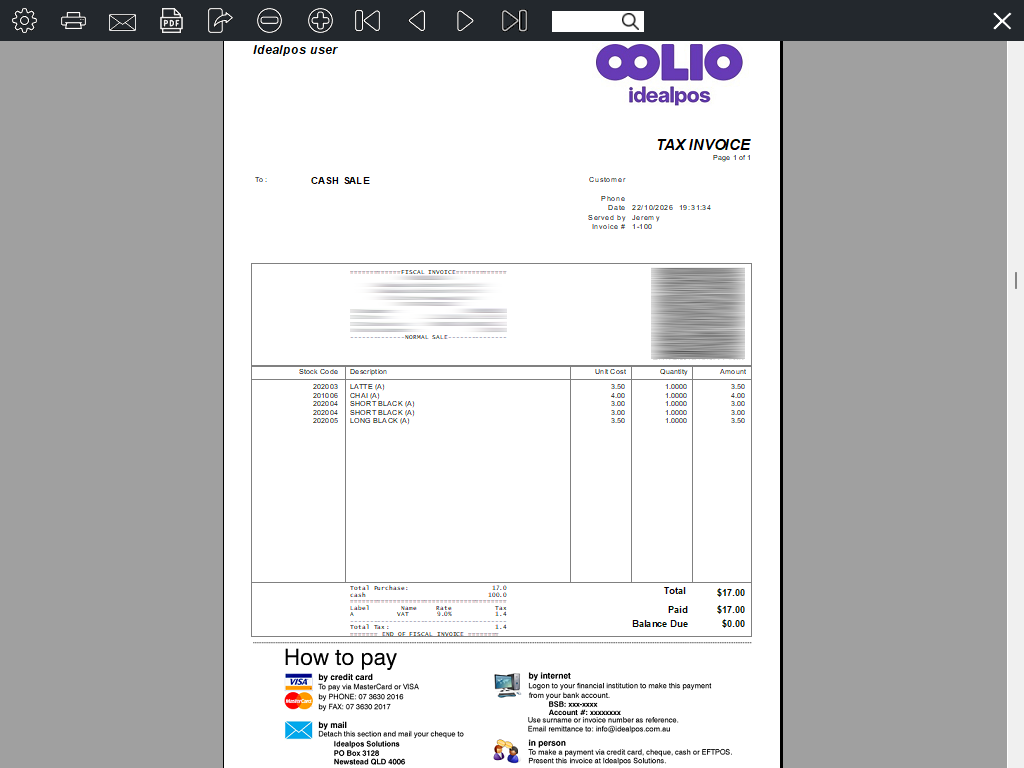
Pressing View will display the Tax Invoice in a preview screen as shown below.
Pressing Print will print the invoice to the default Windows Printer.